
Thousands of family photos? Here is where to start organising
Start with a small collection, separate keeping from selecting and create a simple structure to find the photos years from now.
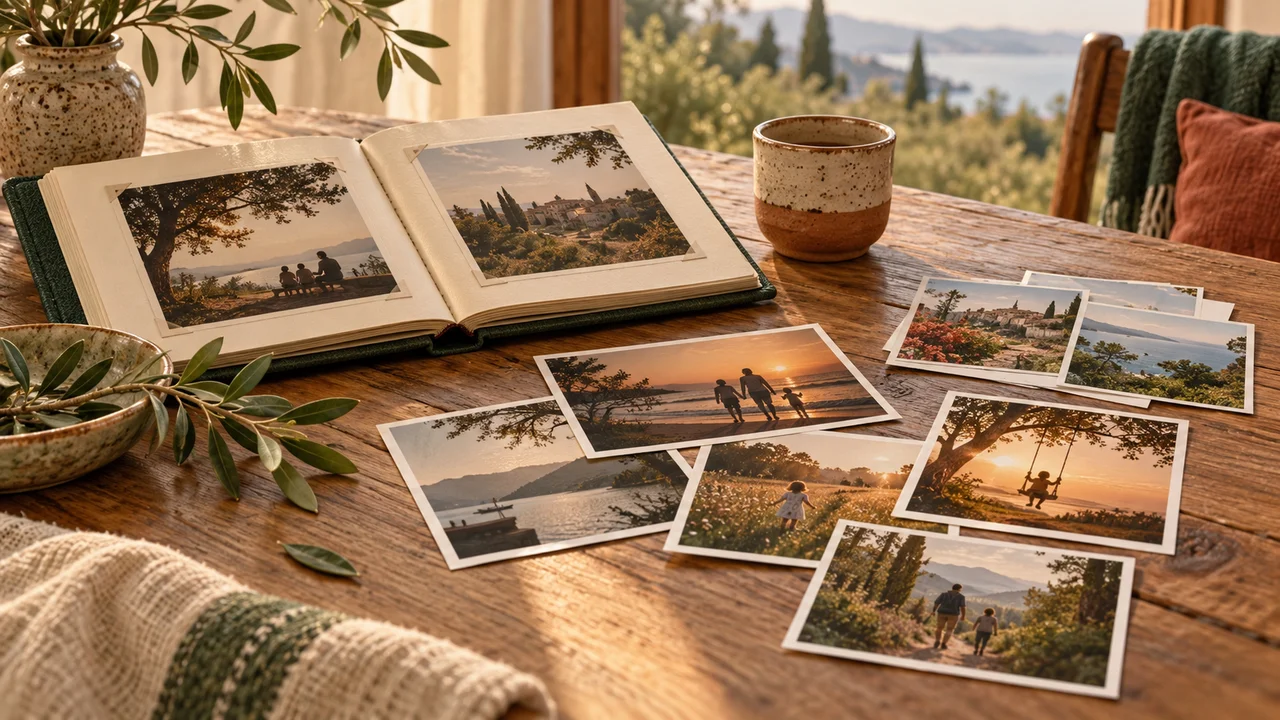
Do not organise every year at once
Choose a defined collection to start: one trip, a particular month or a family event. Working with a small collection lets you decide how to organise without getting stuck in front of thousands of files. Define your endpoint, such as an easy-to-find folder containing a selection for an album. Do not start with broad deletion. First get to know the material and establish which copies you have, which are on other devices and which other family members hold.
Keep a copy before making changes
Before moving, renaming or deleting, make another copy of the collection and keep it separate from the working folder. Open several photographs from it to confirm the copy succeeded. Another copy in the same location does not resolve every risk, but may let you undo an organisational mistake. Do not assume folder synchronisation necessarily preserves a deleted version. Check how your chosen method handles changes and deletions.
Create a structure you can explain in one sentence
A structure such as year, month and event may be enough for a large family collection. Choose clear folder names, for example a date followed by a short description of the place or event. Every detail need not go in the filename itself. The key is to use the same system over time rather than invent a new order at every import. If another family member cannot understand where to look, the structure may be too detailed or the names may depend on memories only you have.
Separate the archive from the selection
Not every photograph you keep needs to enter an album or slideshow. Keep a folder of originals alongside a smaller selection for sharing or printing. Choosing then does not become a final deletion decision. Start with images conveying something you want to remember: people, a place, a moment or a small detail. A successful selection need not contain only perfect photographs; sometimes a simple shot tells the story well.
Check duplicates visually before deleting
Two similarly named files are not necessarily the same photograph, and two differently named files may be identical copies. An edited version may also look almost like the original. If you use a duplicate finder, review its suggestions before approving deletion. Consider size, quality and content, rather than just the name. When uncertain, move files to a temporary review folder instead of deleting immediately, and decide after checking the additional copy.
Add details the photograph does not show
A file's date does not always show when the photograph was taken, especially after scanning or moving between devices. If you know who is pictured and the occasion, add the information in a note or short document inside the folder. Indicate when a date is an estimate rather than certain. Ask family members about old photographs while their memories are still available. A few names and brief context can turn an anonymous file into a photograph whose meaning is preserved for others.
Set a small maintenance point
After completing the first collection, write down your chosen system and use it for the next. Set aside a short time after an event or at month-end to transfer photos, choose a selection and check the additional copy. Before sharing, review what appears in the background too and consider whether the image is appropriate to circulate. Good organisation does not require daily attention; it needs a clear process you can return to without learning it again.